
TilBuci
A downloadable tool for Windows, macOS, and Linux
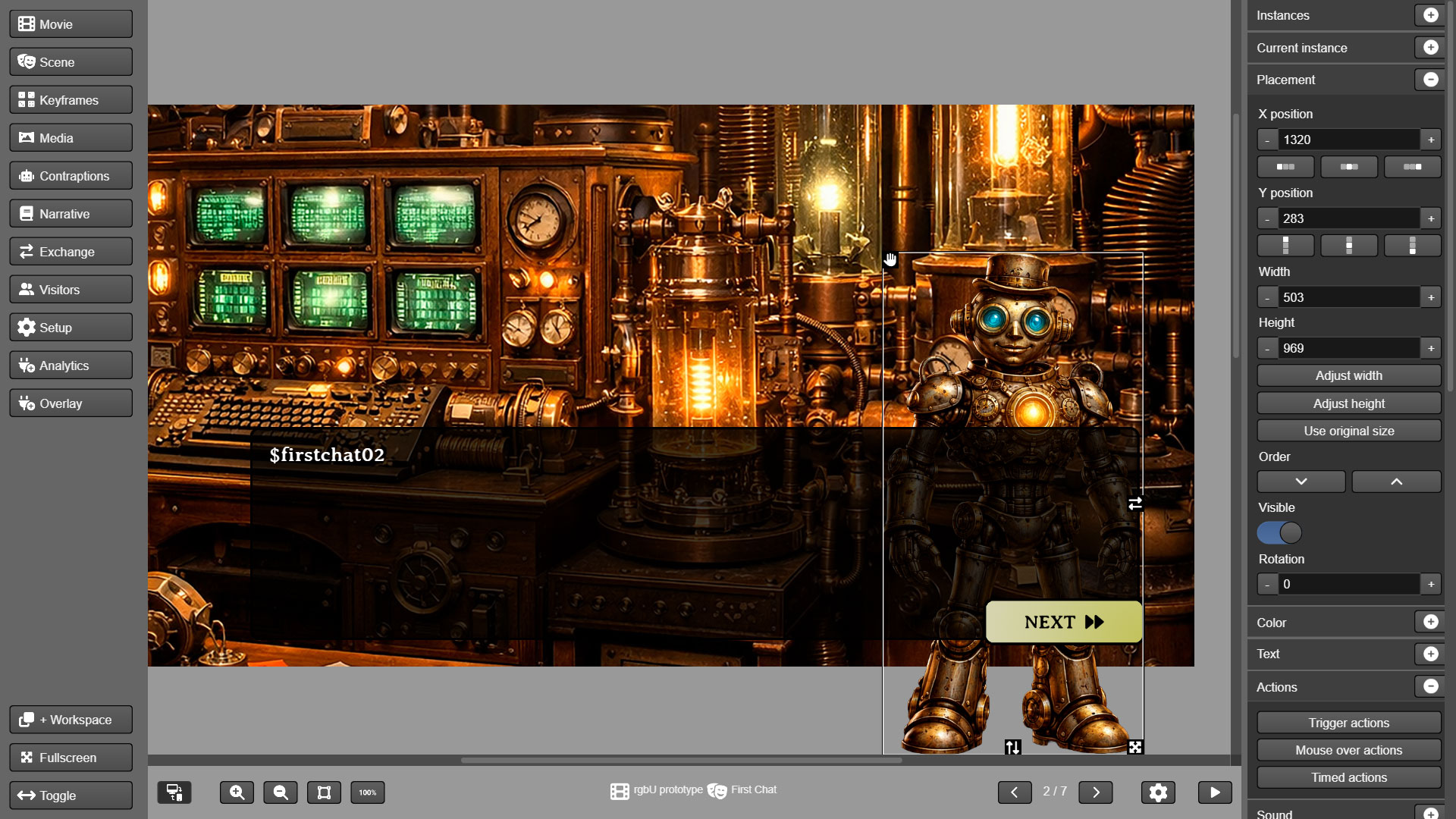
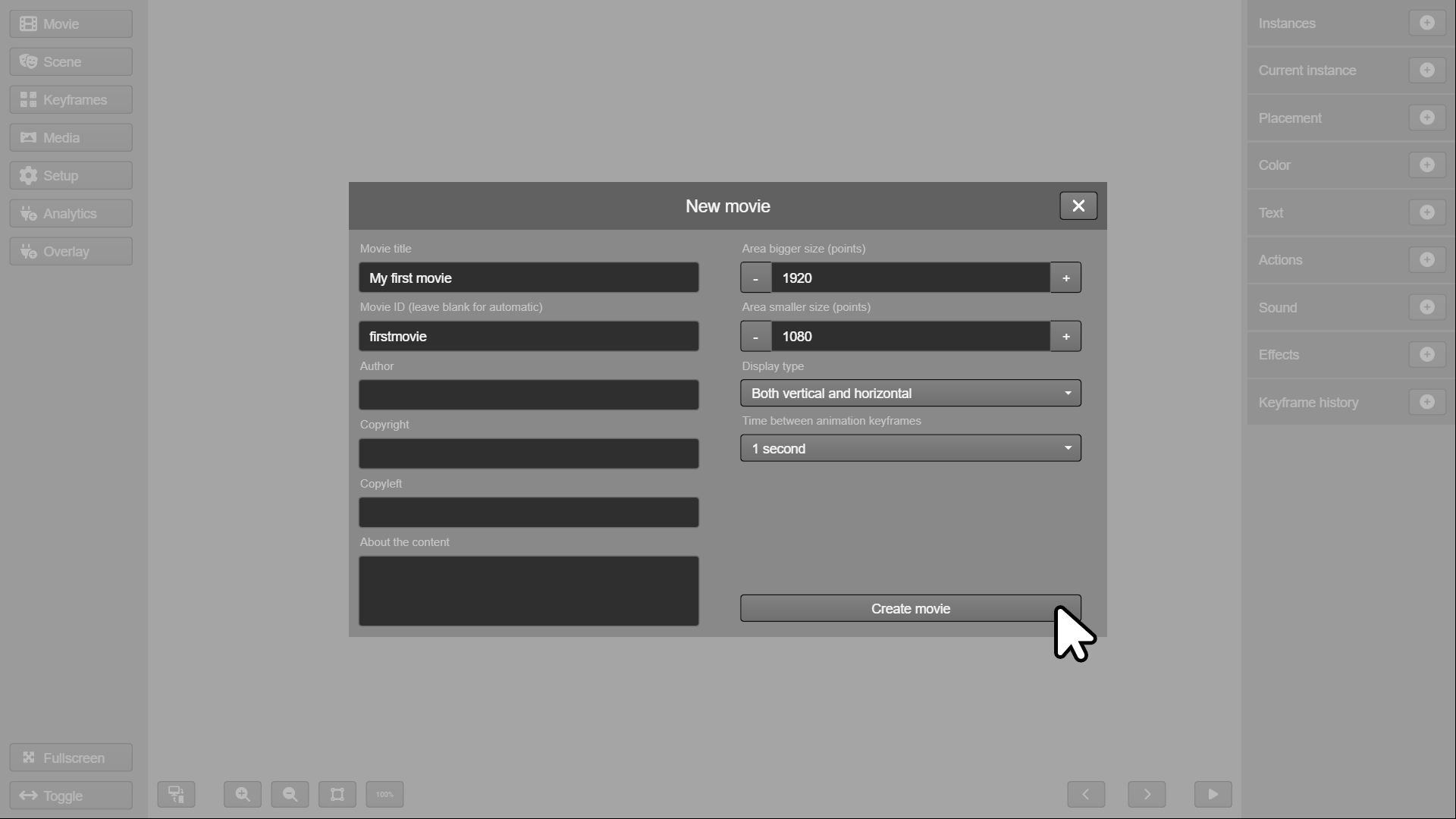
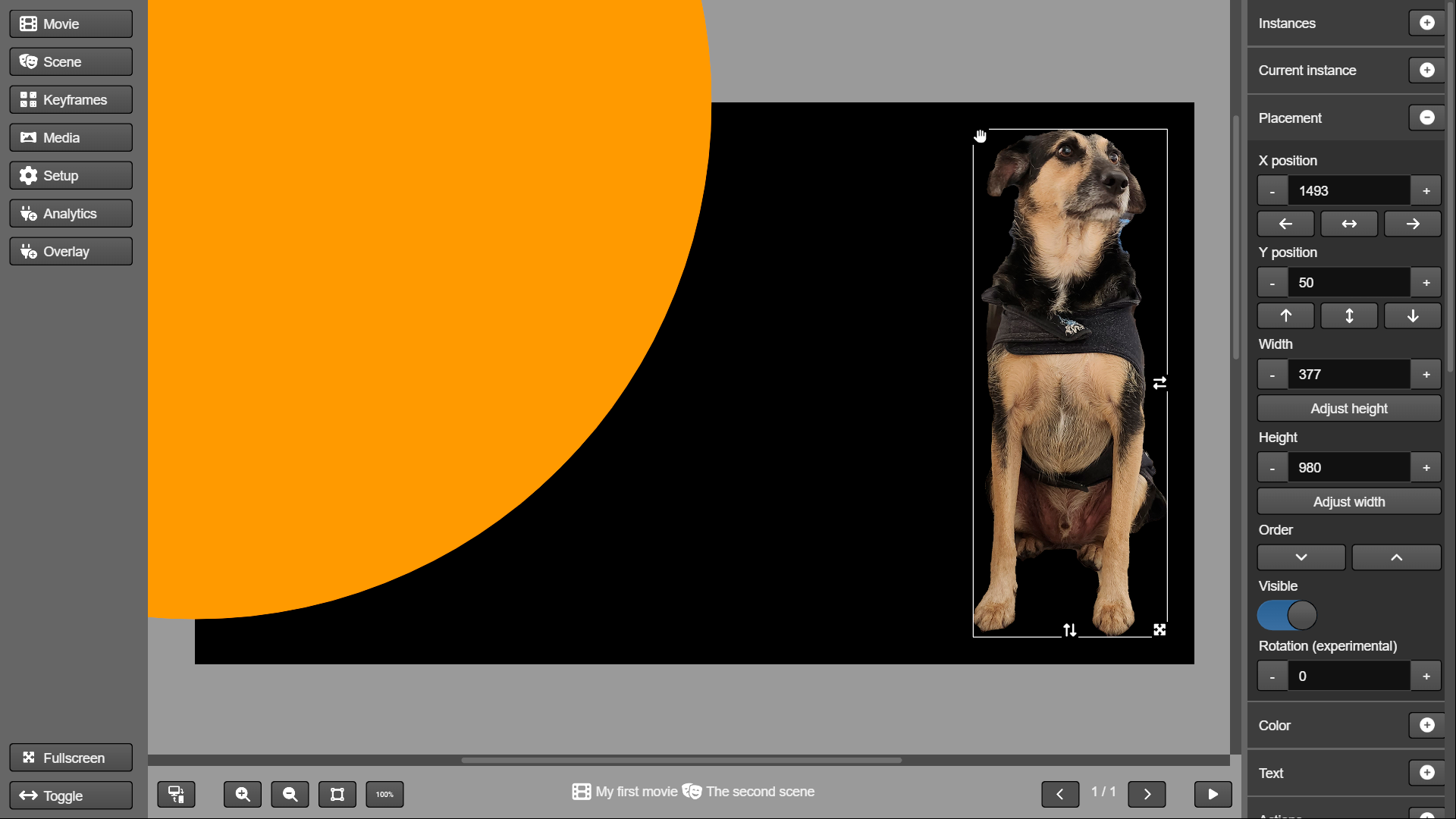
TilBuci is a free, open source tool to create interactive content. From a visual web interface, you can gather your media, texts, and all content in the form of interactive "movies" that can be exported as websites, embedded via iframes, made available as PWA apps or even as mobile and desktop applications.
You can use TilBuci in the cloud from a web server installation, as a portable desktop application for various systems, and also as a WordPress* plugin.
Easy to use graphic interface
Use a drag-and-drop interface to bring your ideas to life.
Multiple screen support
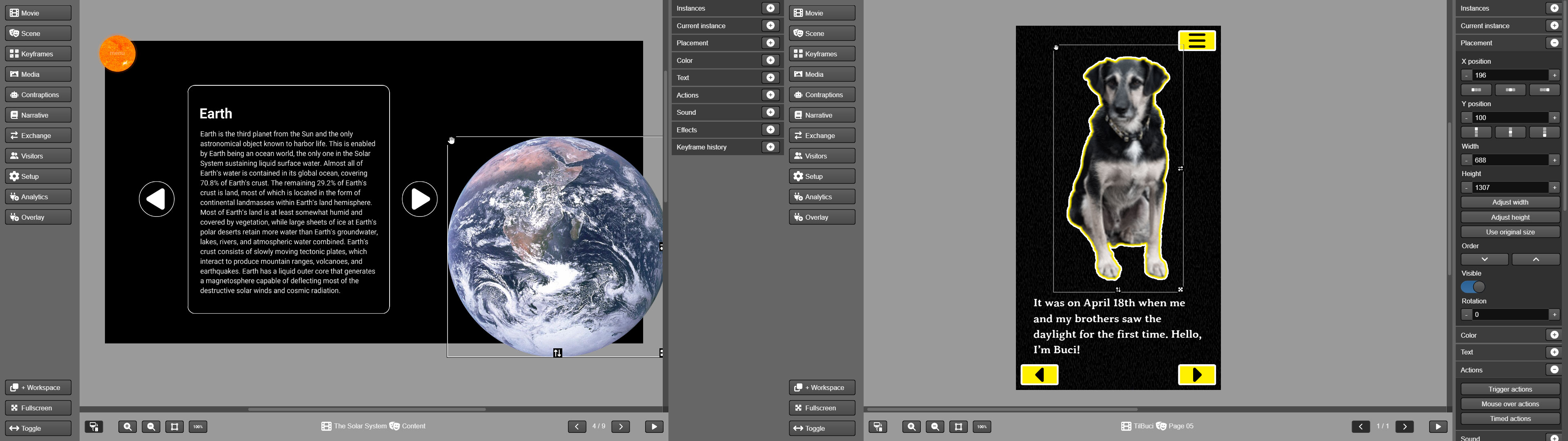
Support both horizontal and vertical screens in the same movie. The software even automatically switches between versions according to browser resizing.
Rich media support
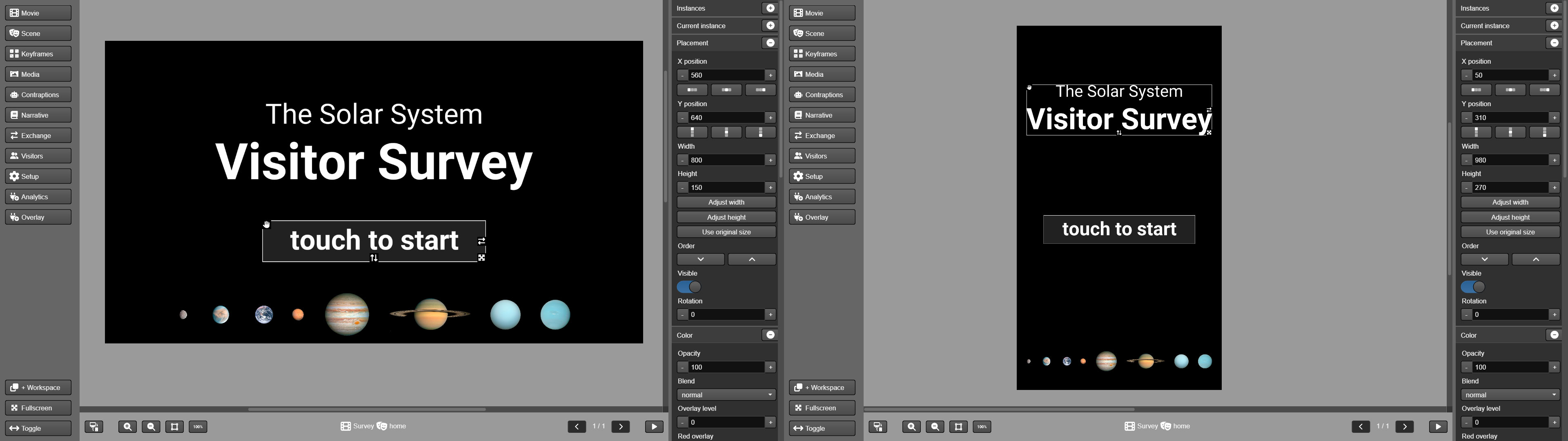
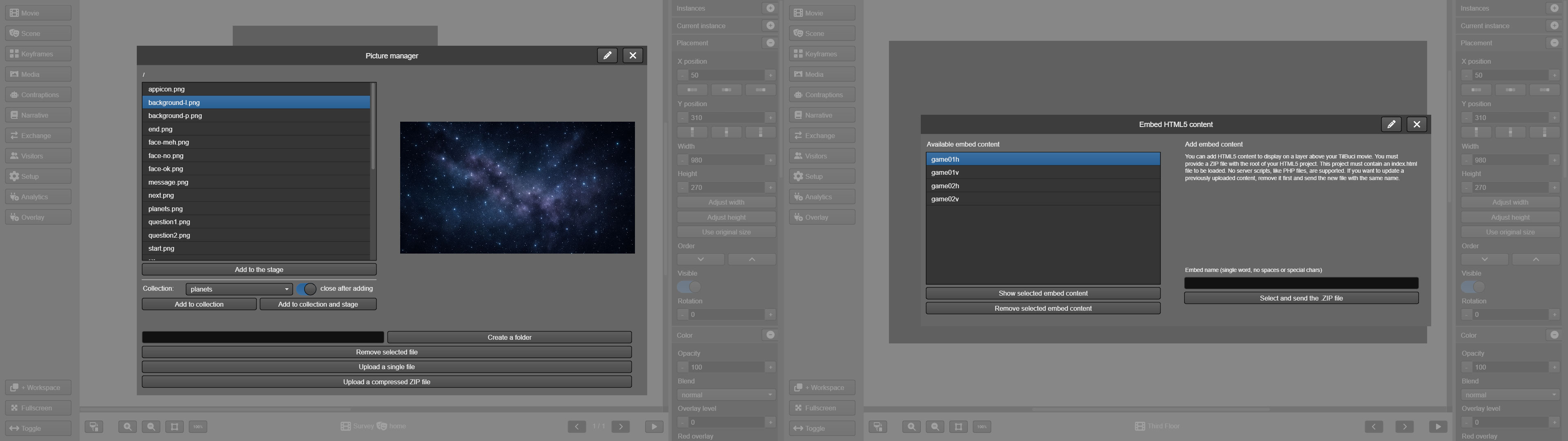
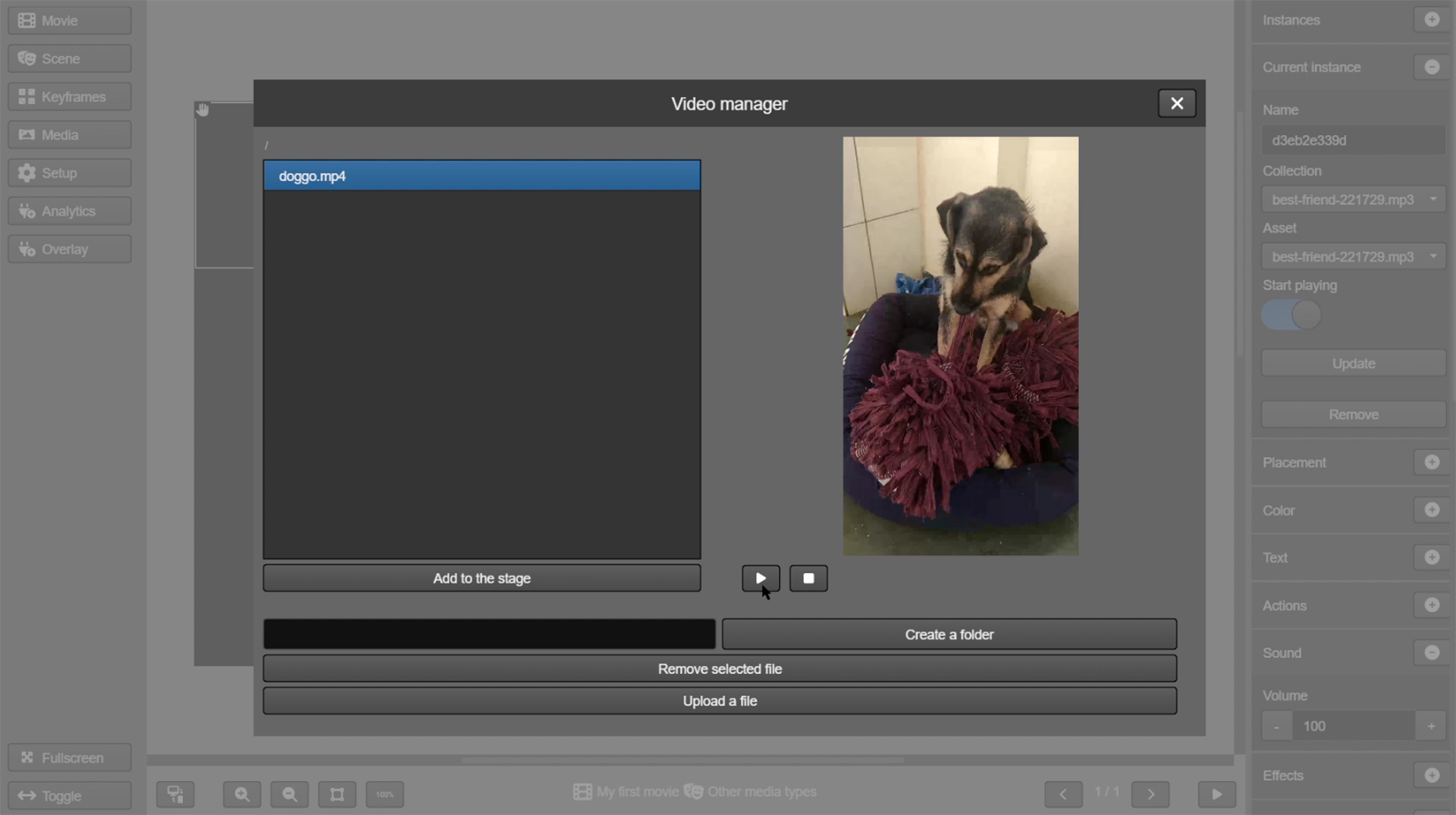
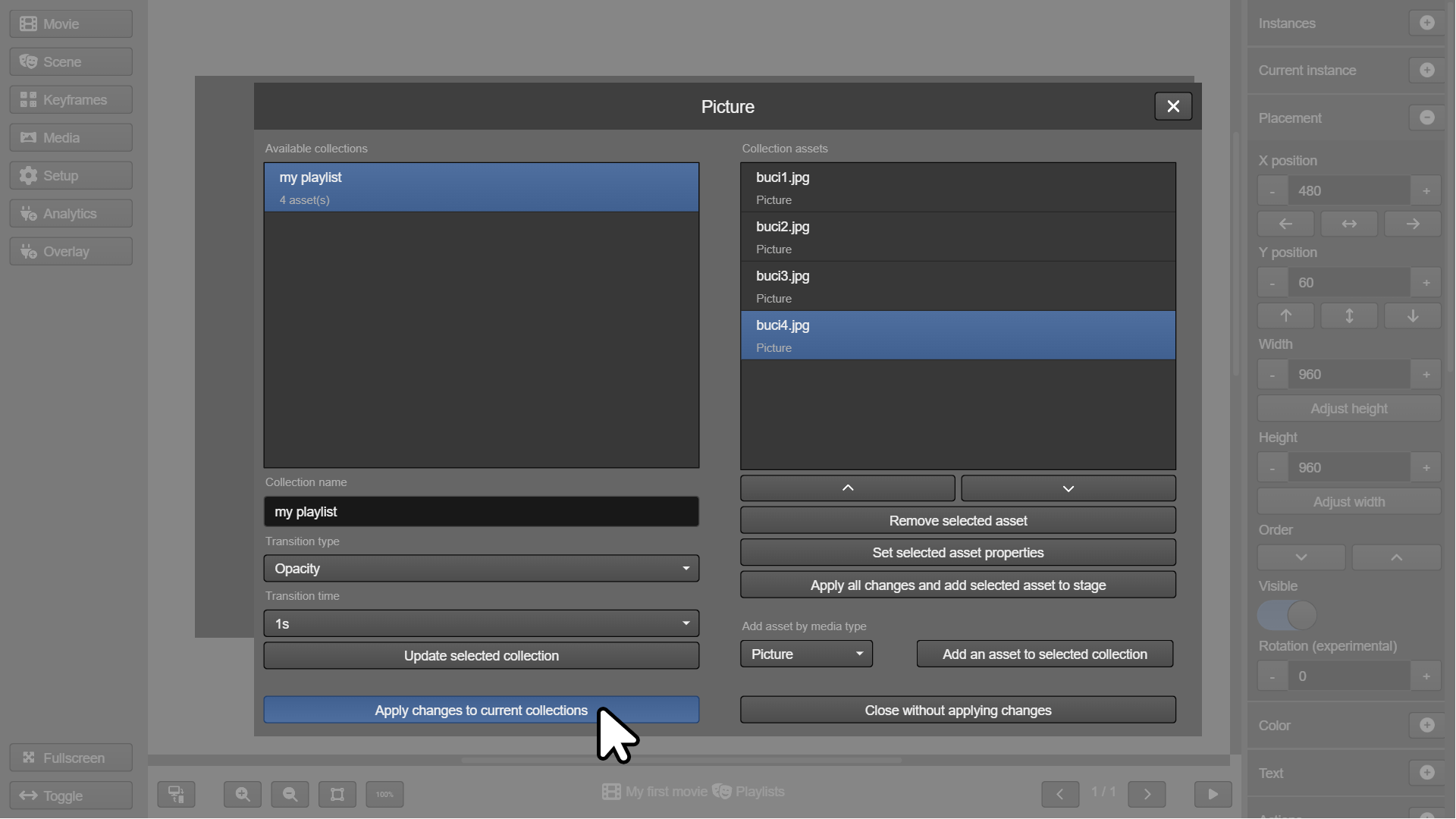
Use pictures, audios, videos, html and many more media types in your creations. You can even embed your own HTML5 projects made with other tools seamlessly into the content.
Simple interaction setting methods
Use the action block editor to easily add interaction to your creations. Expert users may also access the code editor directly. If you want to learn more about creating interactions in TilBuci, check out the Scripting Actions manual: https://tilbuci.com.br/files/TilBuci-ScriptingActions.pdf

Server-side processing
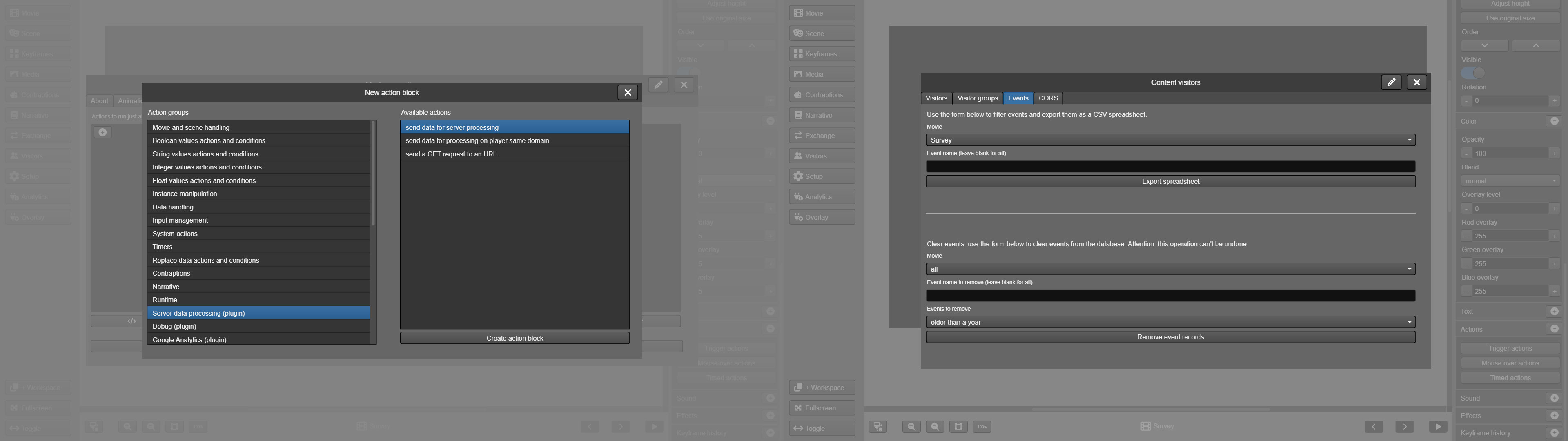
Exchange data between your creation and custom server scripts to even fancier creations. Also, you can count on cloud data saving and event recording for your content visitors right out of the box.
Work as a team
Develop your ideas by yourself or work with your teammates with defined roles. You can even use the built-in design notes funcionality to keep track of the creation.

Manage content access
Discover who is visiting your creations with various statistics possibilities while restricting content access to your target groups. Other forms of access control are password protection or even content encryption.

Contraptions
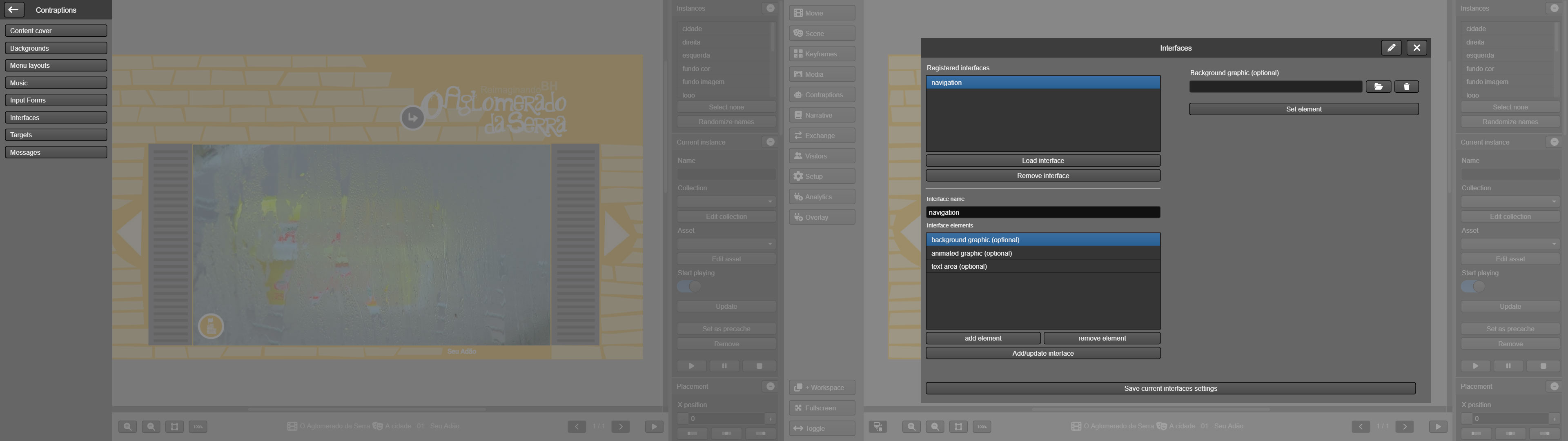
Several automation options simplify the creation of common structures such as menus, forms, backgrounds, and interfaces.
Various exporting options
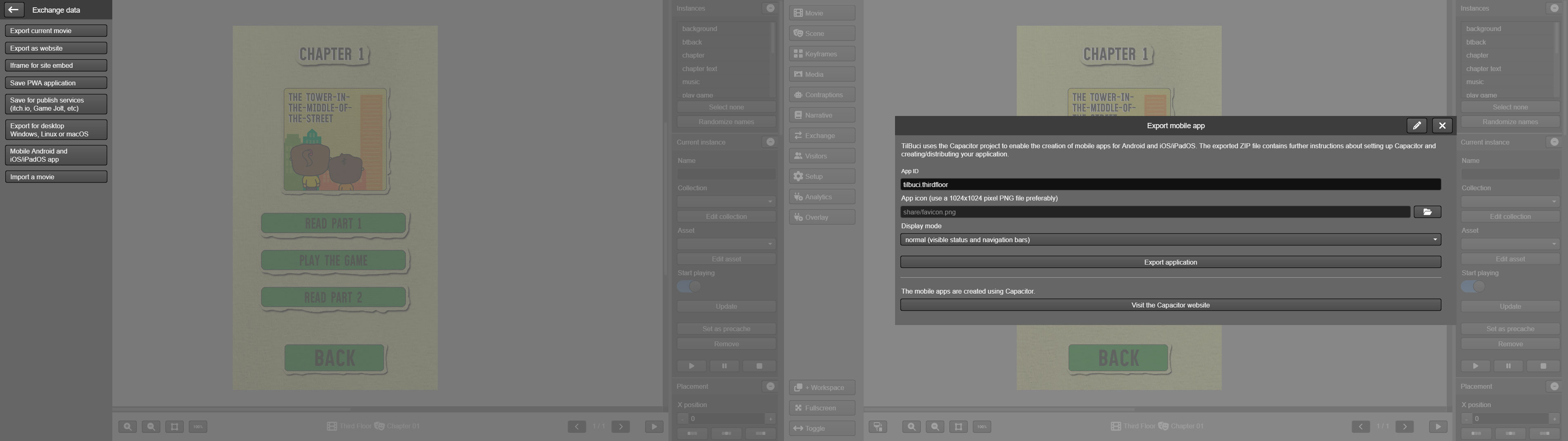
Use the TilBuci own player or export your creation in many formats!
- Websites with sitemap for better SEO.
- Iframe content for embedding.
- PWA web application with offline content support.
- Packages ready for publish services like itch.io or Game Jolt.
- Desktop applications for Windows, macOS and Linux.
- Mobile app projects for XCode or Android Studio.
Multiple forms of interaction
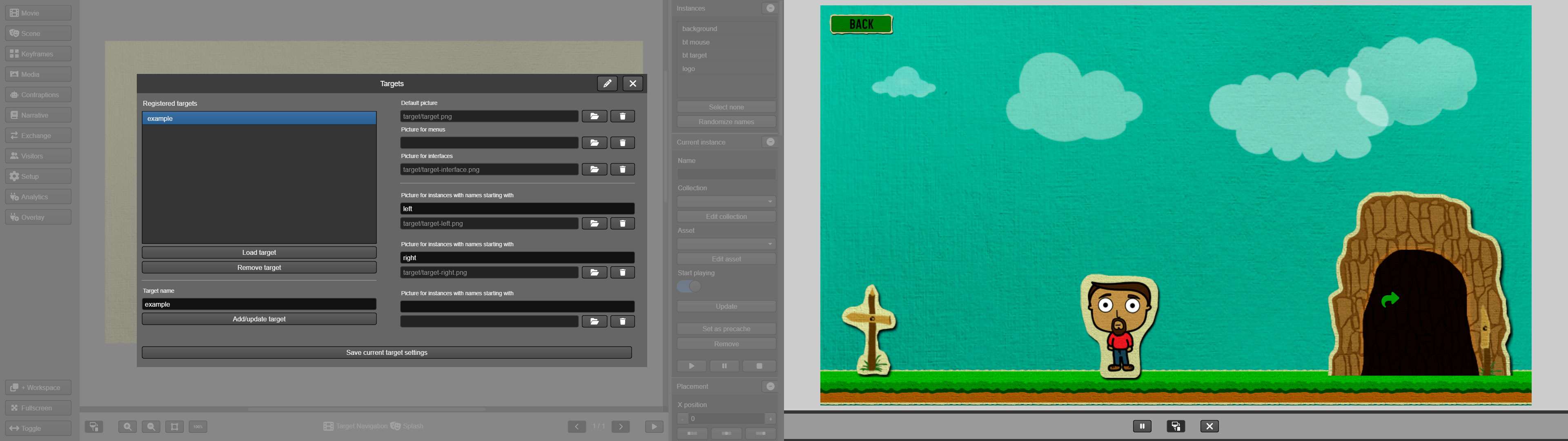
Navigating content created in TilBuci can be done in various ways, including using mouse, touch screens, keyboards, or even game controllers. It's even possible to set different graphics for visual feedback during navigation.
Tools for creating interactive stories
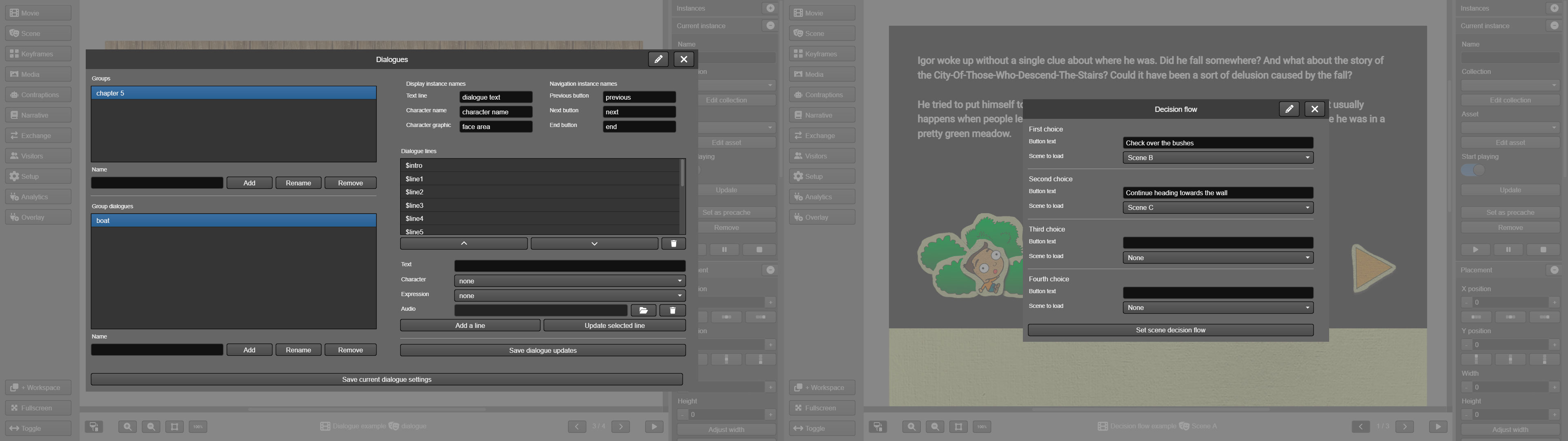
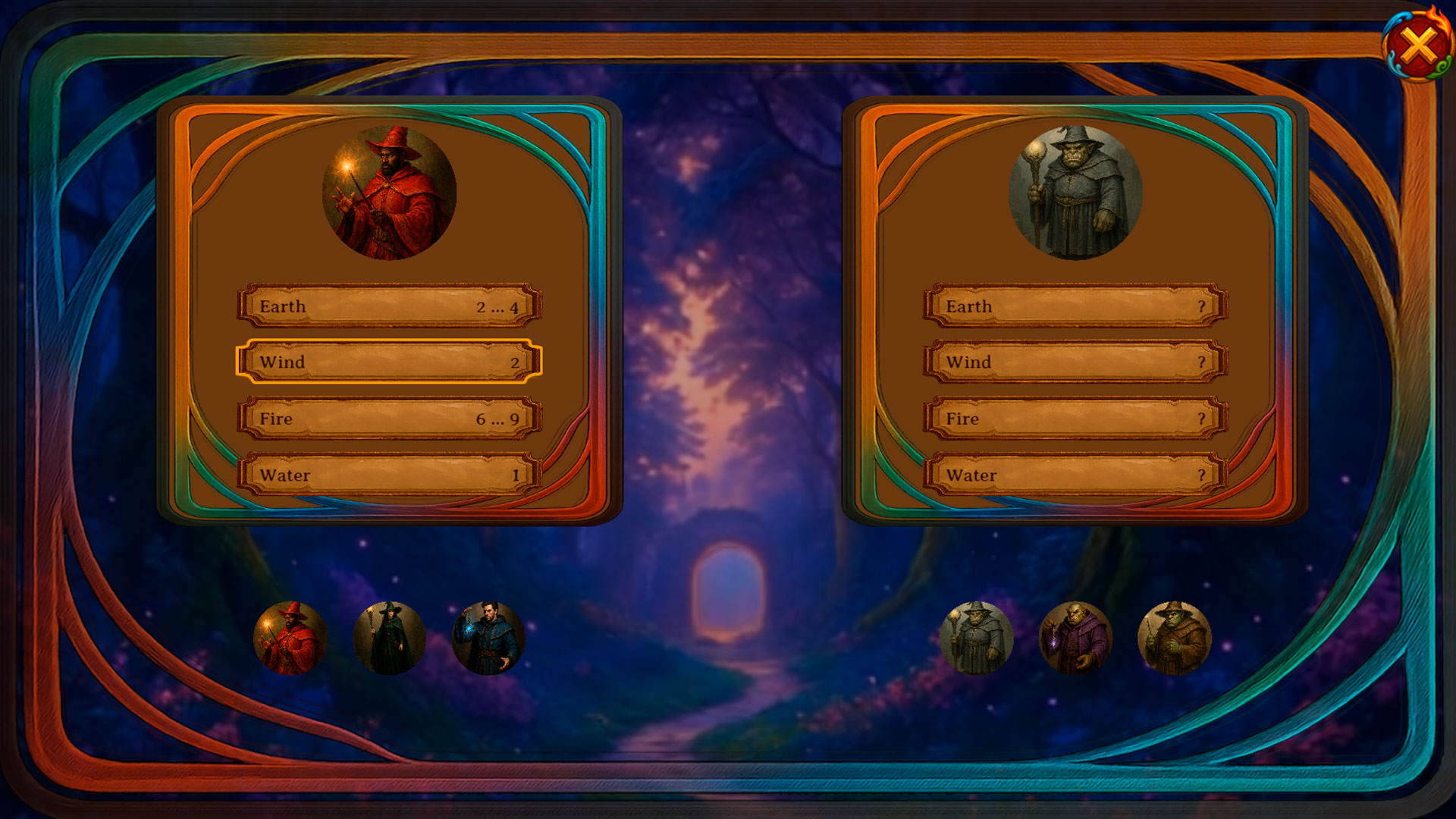
TilBuci has several features that simplify the creation of narrative stories, including a dialogue creation tool, the decision flow, the inventory management and the card battle system.

Accessibility
To broaden the reach of content created using TilBuci, the tool has several accessibility-focused features, accessed through actions. The first is the application of color shaders, not to "correct" colors, but to improve their perception by people with color vision deficiency. A second feature is the focus mode, designed to reduce the activity and saturation of colors in less important elements on the screen. Finally, TilBuci has an action that sends a descriptive text that can be captured by the page where the content is included, and can be used, for example, by screen readers, such as sign language readers.

QR code support
TilBuci natively supports QR code reading. This feature simplifies the creation of content that visitors can locate using printed codes. You have a code generator in the editor interface, and reading can be done both from within your exported content and using mobile device camera apps.
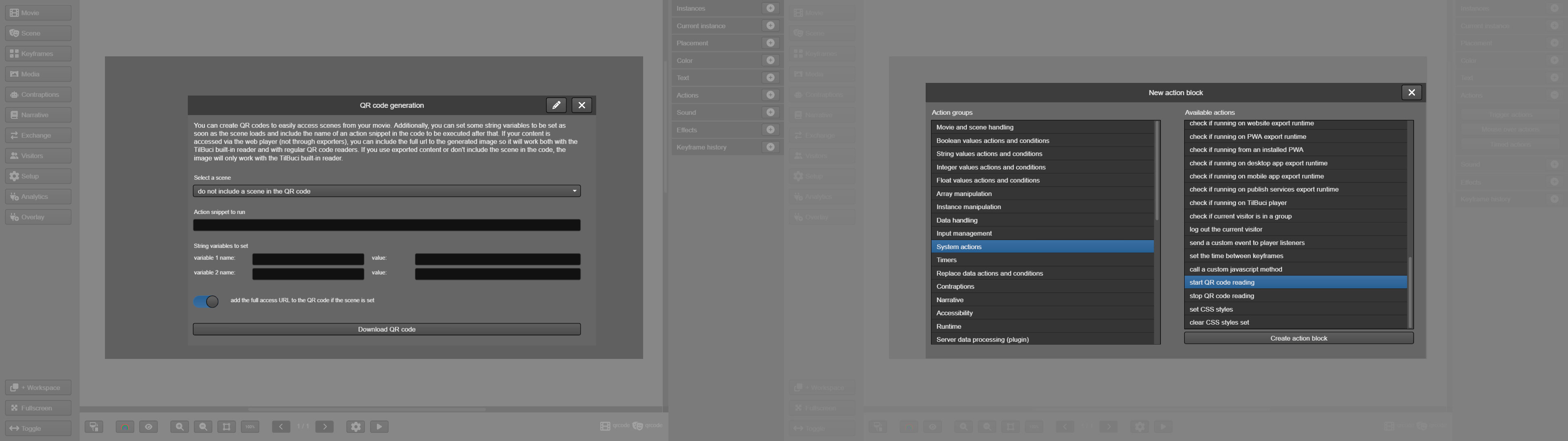
TilBuci is a web software with several multi-user features for collective creation. However, there are cases where local use by just one person may be necessary. With that in mind, we now have a desktop version, presented as a portable software that can be copied to your computer or even to external drives, without the need for installation. The portable version is available for Windows, Linux, and macOS (x64-based architectures). Note that when performing in this way, TilBuci's server functions, such as visitor identification (login) or cloud data storage, will not be available, but creations made in the desktop version can be easily exported and imported to a server installation in the usual way.
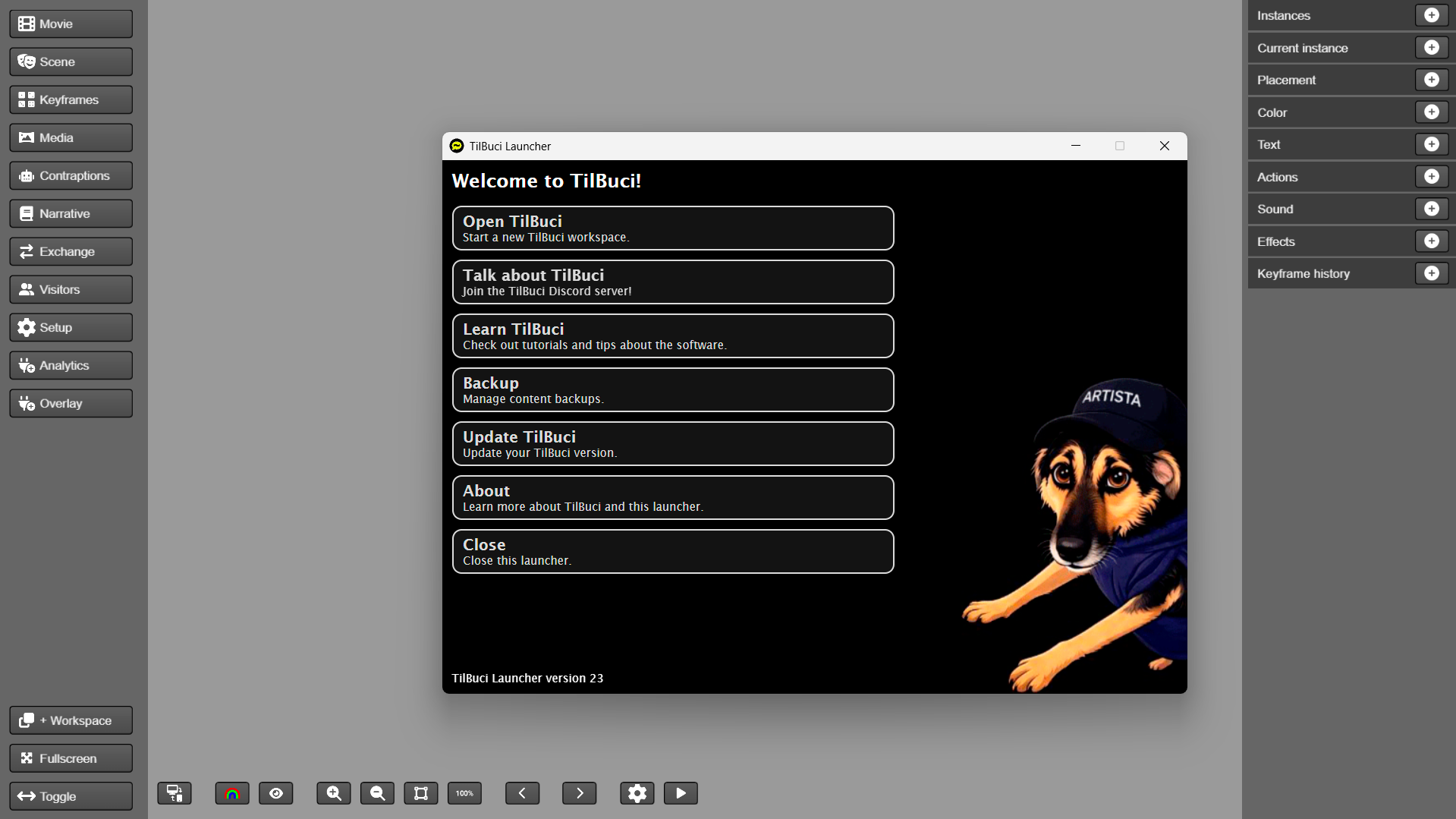
TilBuci is also available as a WordPress plugin, integrating functionalities from both software programs. To learn more and see the installation steps, visit https://plugin.tilbuci.com.br/
Tutorials and examples
With numerous video tutorials and examples, you'll be creating your own TilBuci productions in no time! See a list of these learning resources at https://tilbuci.com.br/site/tutorials/
A free, open-source tool
TilBuci is a free, open source tool, licensed under MPL 2.0, developed using Haxe, OpenFL, FeathersUI and PHP among other technologies (https://github.com/lucasjunqueira-var/tilbuci). The software is dedicated to all the joy Buci, a messy and often quite insane dog, brings to our daily lives ;-)
Please access the TilBuci website for more information: https://tilbuci.com.br/
Want to learn more about creating interactions in TilBuci? Check out the TilBuci Scripting Actions manual: https://tilbuci.com.br/files/TilBuci-ScriptingActions.pdf
Feel free to send impressions and discussions to our e-mail: doggo@tilbuci.com.br
* The WordPress® trademarks are the intellectual property of the WordPress Foundation. Uses of the WordPress® name in this text are for identification purposes only and do not imply an endorsement by WordPress Foundation. TilBuci is not endorsed or owned by, or affiliated with, the WordPress Foundation.
Download
Install instructions
Development log
- A conversation about the TilBuci WordPress plugin.94 days ago
- New version 22 with accessibility features!96 days ago
- Creating interfacesMar 31, 2026
- Playing music and soundsMar 26, 2026
- Inventory managementMar 19, 2026
- Working inside WordPressMar 09, 2026
- Using the card battle systemMar 03, 2026
- Keyframes and forked pathsFeb 24, 2026
Leave a comment
Log in with itch.io to leave a comment.